The short answer
Yes, you can set a sleep timer while Apple Music is playing, but Apple Music itself doesn't have one. The timer lives in the iPhone's Clock app, not in Apple Music. It's a system-level feature that stops whatever audio is playing after a set number of minutes, whether that's Apple Music, a podcast, or a voice memo. Apple Music just happens to be one of the things it can switch off.
That distinction matters more than it sounds like it should, because it explains every limitation people run into. A timer built into a music app can fade the volume, know what track is playing, and behave differently depending on context. A timer built into the Clock app knows none of that. It just flips a switch at the time you asked it to.
Where the timer actually lives
To find it: open the Clock app, go to Timer, set your duration, then tap When Timer Ends and scroll to the bottom. There's an option called Stop Playing, separate from the alarm sounds listed above it. Select that, start the timer, then go back to Apple Music and press play. When the timer ends, the audio stops. That's the whole mechanism.
It works. People have been using this trick since the Clock app first got the option years ago, long before Apple Music existed in its current form. It's also why so many articles answer the question with a confident yes without mentioning that you're really using a clock feature, not a music feature.
What the timer does not do
It cuts the audio. Flat, mid-note, sometimes mid-word if you're listening to a podcast layered under music. There's no fade, no gradual drop in volume, nothing that mimics the way a room actually goes quiet. If you're genuinely asleep by the time it fires, this doesn't matter. If you're on the edge of sleep, a hard stop can be enough to pull you back up, and then you're lying there in silence, more awake than you were a minute before.
It also doesn't know what's playing. If Apple Music's autoplay has moved on from your wind-down playlist to something with a different tempo or a sudden chorus, the timer has no opinion about that. It's not reading the track, just watching the clock.
Why a hard stop at 2am is worse than no timer at all
This is the part most comparisons skip. A timer that cuts audio abruptly in the middle of light sleep can cause a brief waking, even if you don't fully register it or remember it in the morning. Sleep research on this specific mechanism is thin, so we won't claim it disrupts your sleep architecture, but anyone who's been jolted by sudden silence at 3am knows the feeling isn't nothing. The better option, where it exists, is a timer that fades over sixty to ninety seconds rather than snapping to zero.
This is one of the small design decisions we built around in My Zen Zone. The sleep timer fades the mix down gradually rather than cutting it, so the room gets quieter in a way that feels like the music is settling rather than being switched off. It sounds like a minor detail until you're the person lying there at 2am wondering why you're suddenly wide awake.
How a dedicated sleep app handles the same problem
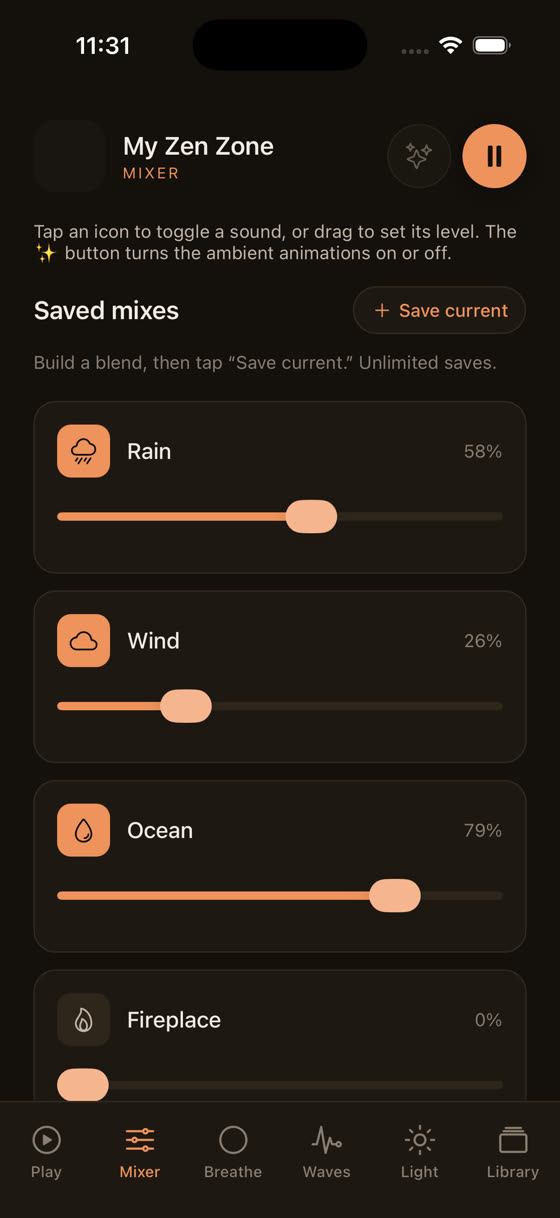
Because the timer in a purpose-built app is part of the actual playback engine, not borrowed from the phone's clock, it can do things Apple Music's workaround can't. It can fade. It can apply per-sound, so if you've layered rain, a drone, and a low pad together, each one fades at the same rate rather than cutting out in a jarring sequence.
That layering is worth seeing rather than describing. Most sleep listening isn't one track, it's two or three sounds balanced against each other, and watching the levels move independently makes the idea obvious in a way a paragraph can't.
Offline downloads matter here too. If your sleep timer is tied to a streaming connection and your signal drops at 1am, Apple Music can stall, buffer, or jump to a different track entirely. A library of downloaded tracks doesn't care whether the wifi is up.
Setting it up tonight, both ways
If you're staying with Apple Music, use the Clock app method above, and consider stacking a playlist of tracks you already know the running order of, so autoplay never kicks in. Pick something close to 60–70 bpm, roughly a resting heart rate, rather than anything with sudden dynamic swings.
If you want the fade and the layering, the setup in My Zen Zone takes about the same amount of time. Pick a track or a sound combination, set the sleep timer from the player screen, and the fade handles the rest. The mixer sits right there if you want to bring in rain or a low drone alongside the main track.
Both approaches get you to "off" eventually. The difference is what the last ninety seconds feel like.
The bigger issue: what plays before the timer cuts in
A sleep timer is only as good as what it's timing. Upbeat pop, even quiet acoustic tracks with a strong melodic hook, can keep your attention rather than let it drift, which somewhat defeats the point of a wind-down playlist. We write our sleep tracks specifically slow, usually without a clear verse-chorus structure, so there's nothing for your brain to anticipate or follow. If you want more detail on what actually separates sleep-friendly composition from everything else, we've written about it at best music for sleep.
The same logic runs the other direction for daytime listening. A focus session needs a different tempo and a different kind of repetition, which is a separate problem we cover in music for focus and study.
What to actually use the timer for
Treat the sleep timer as a backstop, not a bedtime routine on its own. The winding-down part happens before the timer starts, not because of it. Dim the room, put the phone face down, maybe run a short breathing pattern first.
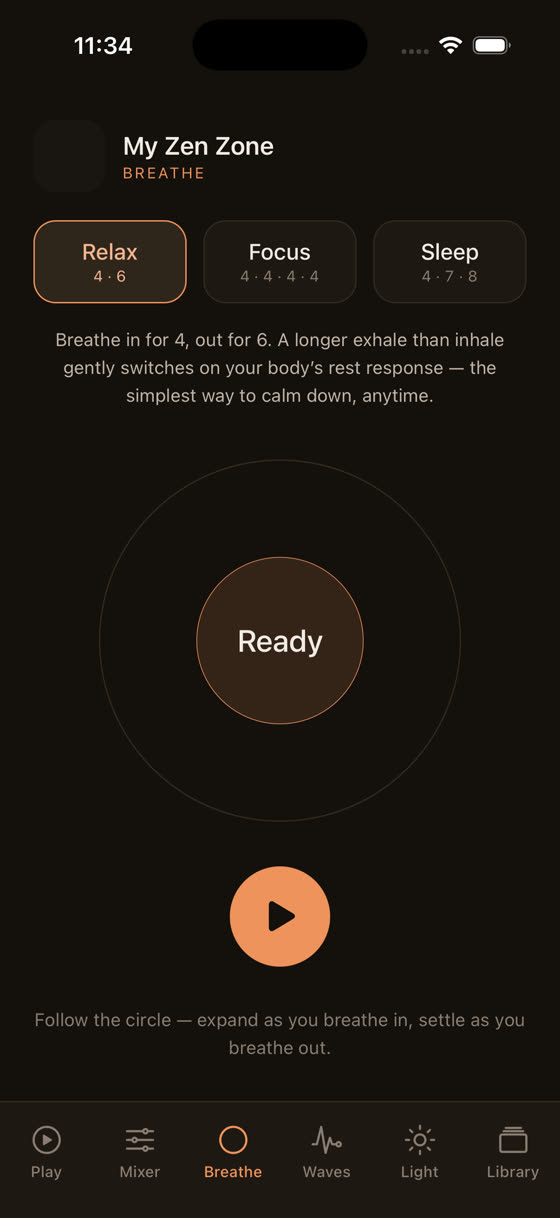
Set the timer for longer than you think you need, somewhere around 45 to 60 minutes rather than 15, so you're not racing the clock to fall asleep before it cuts out. And if silence after the timer ends tends to wake you rather than settle you, that's worth noticing. It might mean looping low-level nature sound after the main track fades is a better fit than true silence.
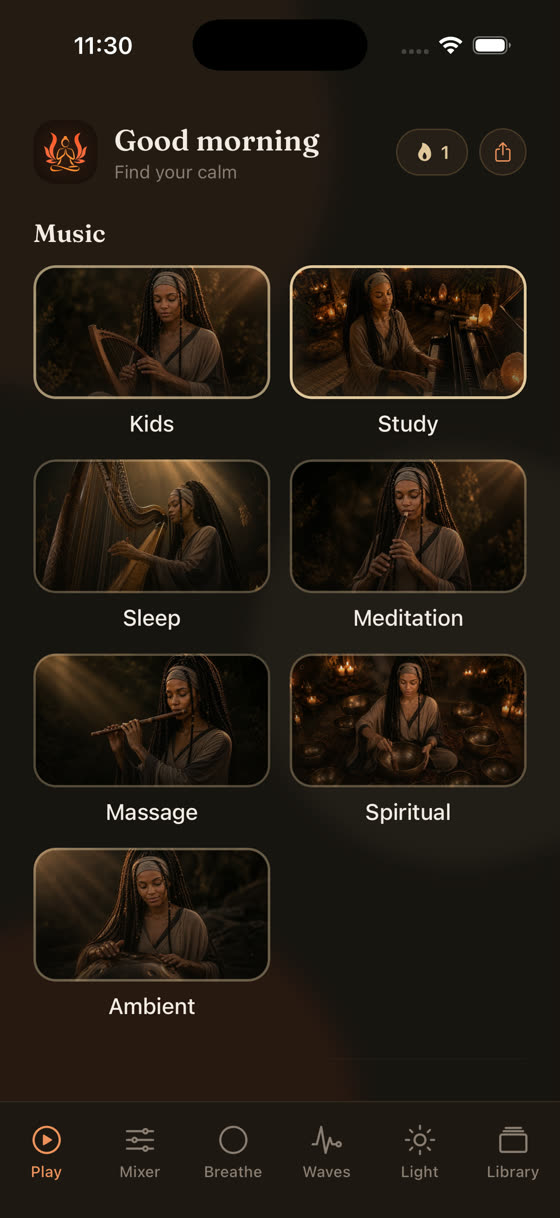
None of this requires switching apps overnight. But if you're already reaching for a workaround in the Clock app every night, it's worth trying the version built for the job. The whole library, including the sleep timer, the fades, and the mixer, is free to try at /get, or you can browse what's there first at myzenzone.app.
Common questions
Does the Apple Music sleep timer fade the volume or cut off abruptly?
It cuts off abruptly. The timer is handled by the iPhone's Clock app, not Apple Music itself, so it simply stops playback the moment the timer ends rather than lowering the volume gradually. If you want a gentle fade, you'll need an app whose timer is built into the playback engine rather than borrowed from the system clock.
Can I use the same sleep timer trick with other apps, like podcasts or Spotify?
Yes. The Stop Playing option in the Clock app's timer works with whatever audio is currently playing on your iPhone, not just Apple Music. Start the timer, choose Stop Playing under When Timer Ends, then switch to your podcast or Spotify app and hit play. The mechanism is identical.
Will the sleep timer also silence a ringing alarm?
No, they're separate. The sleep timer only stops audio playback; it doesn't touch any alarms you've set in the Clock app. Your morning alarm will still go off at its scheduled time regardless of when the sleep timer ends the music overnight.
Does My Zen Zone's sleep timer work without an internet connection?
Yes. Downloaded tracks play and fade out through the sleep timer entirely offline, so a dropped wifi signal or airplane mode overnight doesn't interrupt anything. This matters more than people expect, since a stalled stream at 2am can wake you up faster than almost anything else.
If I wake up before the timer ends, will the music start again on its own?
No, once you resume listening manually the timer continues counting down from wherever it was, it doesn't reset. If you want a fresh countdown, you'll need to set the timer again. This is the same whether you're using the Clock app workaround or a dedicated app's built-in timer.