Yes, a white noise app can drain your battery overnight, but the app itself is rarely the biggest culprit. The real drain usually comes from three things stacked together: a screen that stays lit, a streaming connection that never sleeps, and Bluetooth hunting for a signal in a dark room. Fix those and most white noise apps barely register against your battery over an eight-hour night.
What's actually burning the charge
Playing a single audio file, even for eight hours, is cheap in power terms. Audio decoding is one of the lightest jobs you can give a modern phone's chip. The problem is everything riding alongside it. A screen left on at 30% brightness for a full night can use more power than the audio itself. A phone trying to maintain a 4G or 5G connection in a bedroom with patchy signal will ping cell towers repeatedly, and that radio work is far more expensive than anything happening in the audio engine. Bluetooth earbuds or a speaker add their own small but constant draw, both on your phone and on the earbuds themselves.
So when someone says "this app murders my battery," what they often mean is: I left the screen on, I was streaming over a weak signal, and I had Bluetooth searching for a device that had already disconnected. Swap in offline playback and a locked screen, and the picture changes completely.
Streaming versus offline: the difference that actually matters
This is the one most articles skip. If you're streaming a track from a server every night, your phone's radio is doing real work: requesting data, buffering, reconnecting if the signal dips. Do that for eight hours and you'll see it in your battery stats by morning. Download the same track once and play it from local storage, and your radio can go quiet. No requests, no buffering, nothing to reconnect.
This is why offline downloads matter more for battery life than almost any other setting. In My Zen Zone every track can be downloaded for offline playback, so once it's on your phone, the night's listening never touches your data connection at all. You download a rain track or a drone pad once, and it's yours to run on a flight, in a basement flat with no signal, or just with your phone in airplane mode, which is itself one of the best battery moves available.
The screen is the real villain, not the speaker
Phone screens are power-hungry, full stop. OLED displays draw less for black pixels and more for bright ones, but any screen left on for hours will out-drain the audio running behind it by a wide margin. The fix has nothing to do with which white noise app you choose and everything to do with habit: lock the screen, turn the brightness down before you do, and let the app keep playing in the background.
If you like something to look at while you fall asleep rather than total darkness, that's where a dimmed, deliberately low-stimulation screen earns its keep instead of costing you.
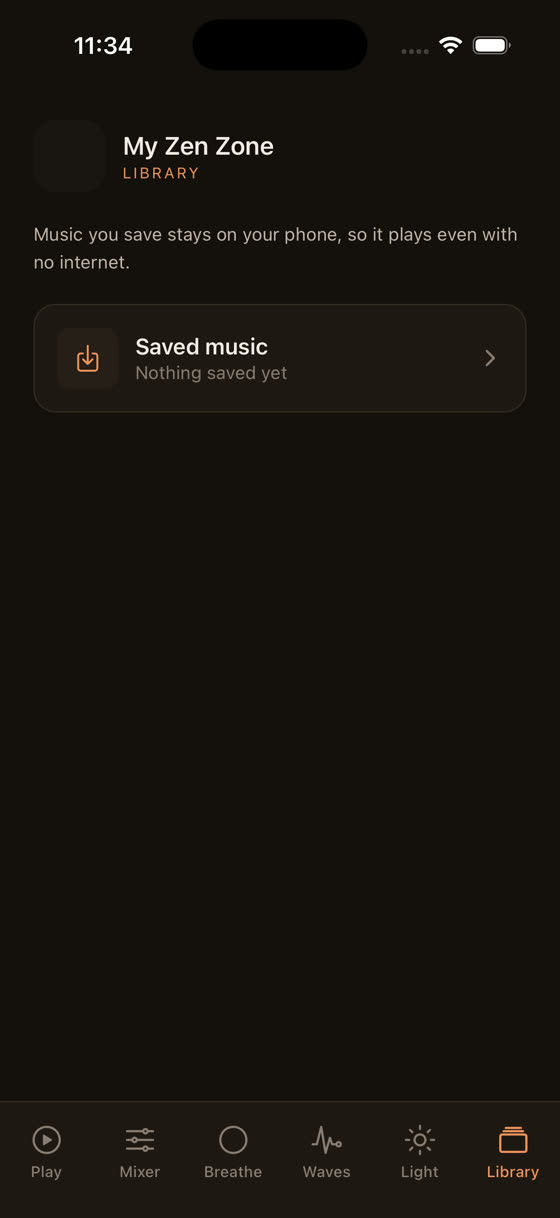
My Zen Zone's light screen is built for exactly that handoff: a slow, dim visual that doesn't fight your eyes the way a bright video or a scrolling feed would, paired with a timer so the screen doesn't stay lit after you've actually drifted off. For more on building that kind of wind-down routine, see our guide to the best music for sleep.
Does running multiple sounds at once cost more?
Reasonably asked, since a mixer that blends rain, a low drone, and a fan hum sounds like it should tax the processor harder than one file on loop. In practice it doesn't change much. Mixing two or three audio layers is still trivial work for any phone made in the last several years. The processing cost of playing one sound versus three is a rounding error next to screen time and network use.
That's worth knowing because it means you don't have to choose between a personalised soundscape and a long battery life. In My Zen Zone's mixer you can set a rain layer at 40%, a distant thunder layer at 15%, and a low brown noise bed at 60%, all running together, all downloaded for offline use, and the battery cost is essentially the same as playing one sound alone. You're not paying a tax for customising your own sleep environment.
The single setting that changes everything: the sleep timer
Most people don't need white noise for eight hours. They need it for the twenty to forty minutes it takes to fall asleep, maybe with a bit of a buffer. Playing it all night, every night, is the single biggest unnecessary drain, because it keeps the audio chip, and often the screen, active for far longer than needed.
Set a sleep timer for 45 or 60 minutes instead of leaving playback running until your alarm. The app fades out, your phone can drop into a proper low-power state, and you still get the part of the white noise that actually matters: the bit that masks the sound of traffic, a snoring partner, or a radiator ticking while your brain settles. My Zen Zone's timer is built into every track and every guided session, so this isn't an extra step, just a toggle before you close your eyes.
What most articles on this get wrong
A lot of battery advice treats "white noise app" as a single category with one answer, when the honest answer depends entirely on three choices: streamed or downloaded, screen on or locked, and timer or all-night loop. Articles that just say "white noise apps are fine for your battery" or "white noise apps drain your battery" are both oversimplifying. The app's code matters far less than how you've set it up.
It's also worth separating battery drain from battery health. Playing audio overnight doesn't meaningfully degrade a lithium battery's long-term capacity the way, say, leaving a phone on fast charge at 100% overnight for years might. The concern for most people isn't battery damage, it's waking up at 40% instead of 85% because the screen was on and the signal was weak. That's a convenience problem, not a hardware one, and it has a convenience solution.
Settings worth changing tonight
- Download your sleep tracks for offline playback instead of streaming them each night.
- Lock your screen, or switch to the dimmed light screen, rather than leaving a bright display running for hours.
- Set a 30-90 minute sleep timer instead of looping audio until morning.
- Turn on airplane mode if you don't need calls or notifications overnight; it stops the radio hunting for signal entirely.
- If you use Bluetooth earbuds, check their own battery too, since a dying earbud can drain faster than your phone does.
How My Zen Zone is built around this
The library spans hundreds of original tracks across sleep, focus, meditation, and calm, all composed and recorded by one musician rather than licensed from a stock catalogue, with new material added every two weeks. Every track can be downloaded for offline listening, every track carries a sleep timer, and the mixer lets you layer nature sounds, tones, and music at your own levels without any extra battery cost for doing so.
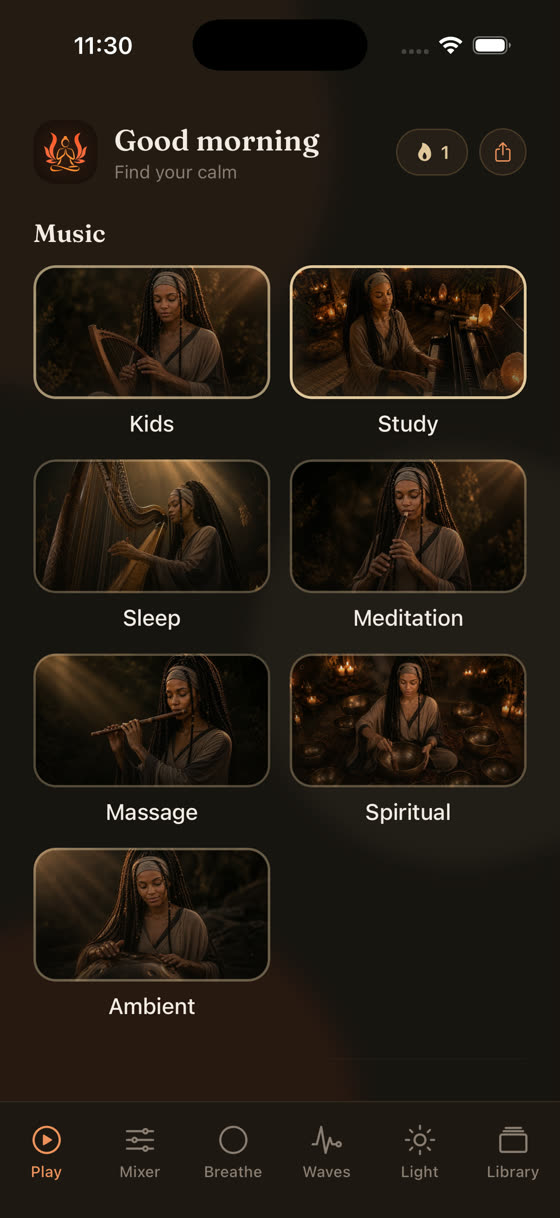
If you use guided sessions to fall asleep or to focus during the day, the same logic applies: a voice layer playing over music doesn't need to drain more power than music alone, it just needs good defaults.
That's the setup in every guided session here, voice, music, and nature sound as three separate, downloadable layers you balance yourself, which is also covered in more depth in our piece on music for focus and study. You can try the whole library, mixer included, at myzenzone.app/get or explore it first at myzenzone.app.
Common questions
Does playing white noise all night damage my phone's battery long-term?
Not in any way that's been clearly shown. Nightly audio playback is light work for the processor and doesn't resemble the heat or charge-cycle stress linked to long-term battery wear. The nightly drain you notice is about charge used that night, not permanent capacity lost. If anything, a sleep timer reduces even that concern.
Is it better to use a white noise app or a dedicated white noise machine?
A dedicated machine uses no phone battery at all, which matters if you're tight on charge. An app gives you variety, a mixer, and offline downloads so you're not streaming. For most people the app's convenience outweighs the small battery cost, especially with a timer set and the screen locked.
Why does my phone feel warm after a night of white noise?
Warmth usually comes from charging while playing audio, a weak signal forcing the radio to work harder, or a screen left on at higher brightness for hours. It's rarely the audio playback itself. Try airplane mode and a locked, dimmed screen and the warmth typically disappears.
Should I charge my phone while white noise plays overnight?
It's fine occasionally, but charging generates heat and heat is what accelerates battery wear over years, not audio playback. If your phone comfortably lasts the night on existing charge with offline tracks and a timer, it's gentler on the battery long-term to leave it unplugged until morning.