Say "Hey Google, play rain sounds" and your Nest speaker will loop a recording of rain for as long as you let it, or until you tell it to stop. That's the short answer: Google Home plays a built-in library of ambient sounds (rain, white noise, ocean, a fan, a few others) through Google Assistant, and it can also cast music or sleep playlists from Spotify, YouTube Music, or similar apps if you ask it to. That covers the basics. What it doesn't do well is the part that actually matters for sleep: control, layering, and consistency night after night.
The built-in sounds: what's actually in there
Google Assistant's native sound library is small and has barely changed in years. You get rain, thunderstorm, white noise, brown noise, a fan, ocean waves, a stream, and a handful of others depending on your region. Say the name and it starts. Say "stop" or set a timer with "stop in 30 minutes" and it will cut off cleanly, which is one thing Assistant does get right.
The catch is that each sound is a single fixed loop at a single volume. There's no fade-out, no blending two sounds together, and no way to nudge the rain louder while bringing the fan down underneath it. You get what you're given. For some people that's genuinely enough. For a lot of people lying awake at 1am, it isn't, because the loop points are audible, the volume curve is wrong for a bedroom at night, and there's no way to shape it to your actual room.
Casting a real music library to the speaker
The more useful trick is casting. If you have a phone app with its own sleep music, you can say "Hey Google, play [app name] on the bedroom speaker" or just cast directly from the app if it supports Chromecast, and the Home speaker becomes a proper speaker rather than a sound-effects box. This is how most people end up using Google Home for sleep long-term: not the built-in rain loop, but a cast session from something with actual composed music behind it, played through a speaker that's already sitting on the nightstand.
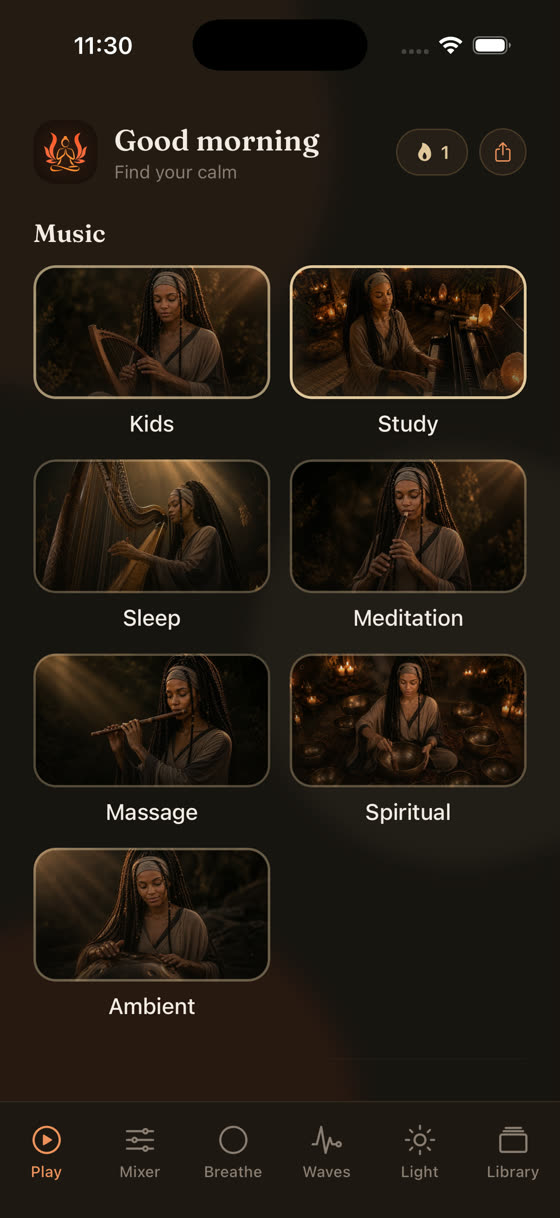
Our own library works this way. Every track is original, composed in-house, nothing licensed or stock, and the catalogue runs into the hundreds with new pieces added every two weeks, so it doesn't turn into the same eight loops you've heard every night for a year. You can read more about what actually helps at bedtime in our piece on the best music for sleep, but the short version is tempo matters more than genre: something sitting around 60-70 bpm, close to a resting heart rate, does more for winding down than a generic "relaxing" playlist pulled together by mood alone.
Where Assistant's sound library runs out of road
The real limitation isn't the sound quality, it's the lack of a mixer. Sleep is rarely helped by one sound at a fixed volume. Most people actually want two or three things stacked: a low rain bed, a touch of distant thunder, maybe a thread of soft pad underneath, each at its own level, so the whole thing feels like a room rather than a recording. Google Assistant can't do that. It plays one loop, at one volume, and that's the ceiling.
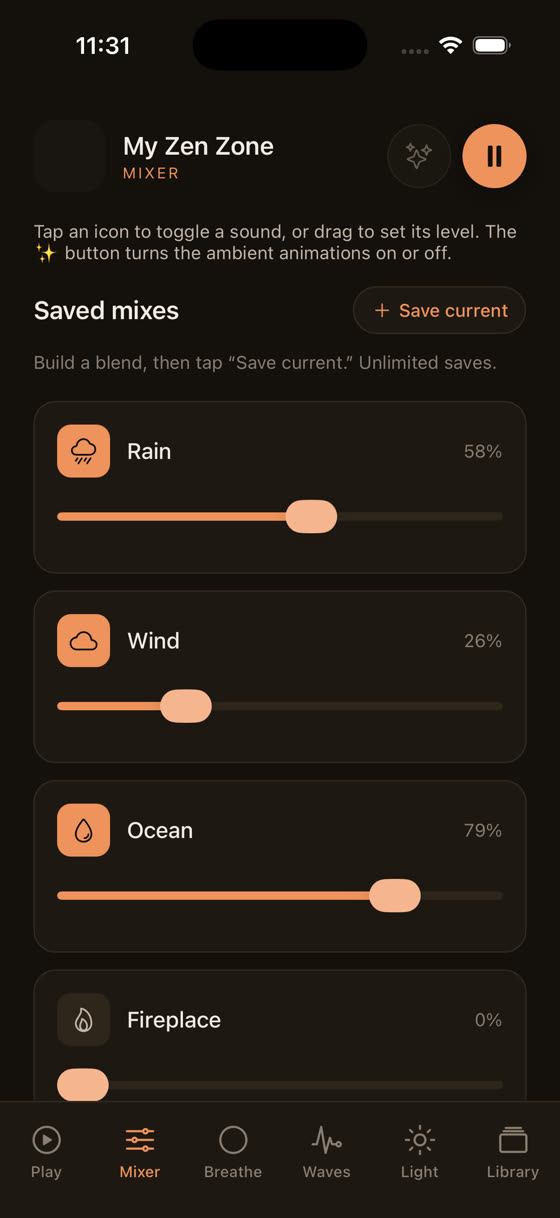
This is the single biggest difference between asking a speaker to play "rain sounds" and using an app built for this. In My Zen Zone's mixer you pick three nature sounds and set each one's level independently, so you're not stuck with someone else's idea of the right rain-to-thunder ratio. You can hear it change in real time here:
That's the kind of control a voice command simply can't give you, because "louder" and "quieter" are the only two levers Assistant has, and they apply to everything at once.
A sleep timer that actually understands sleep
Assistant's timer is a countdown. You say the number of minutes, it counts down, it stops. That's fine, but it has no idea whether you're already asleep, already annoyed by a sudden silence at 2am, or still ten minutes from drifting off. A proper sleep timer in a dedicated app usually fades the volume down over the last few minutes rather than cutting it dead, which matters more than it sounds. A hard stop can actually wake some people, especially light sleepers, because silence after forty minutes of steady sound is its own kind of noise.
Guided sessions: the part nobody expects from a speaker
If you've tried asking Google Home to play a guided sleep meditation, you'll have noticed the same problem that shows up across most meditation apps generally: the voice track stops the music, plays over silence, and then the music either doesn't come back or comes back jarringly. That's because almost every app treats narration and music as one file, baked together, with no way to adjust either on its own.
We built guided sessions differently. Voice, music, and nature sound are three separate layers, each with its own level and its own play button, so you can turn the narration down and let the music carry once you're past the point of needing instructions. That's not something a speaker command will ever replicate, because it needs a screen and a mixer, not a voice interface.
Building an actual wind-down, not just a sound
Sound is one piece of a bedtime routine, not the whole thing. Light matters just as much, and it's the part people forget because a speaker can't dim a lamp on its own unless you've already wired up smart bulbs and routines for it, which most people haven't bothered to do.
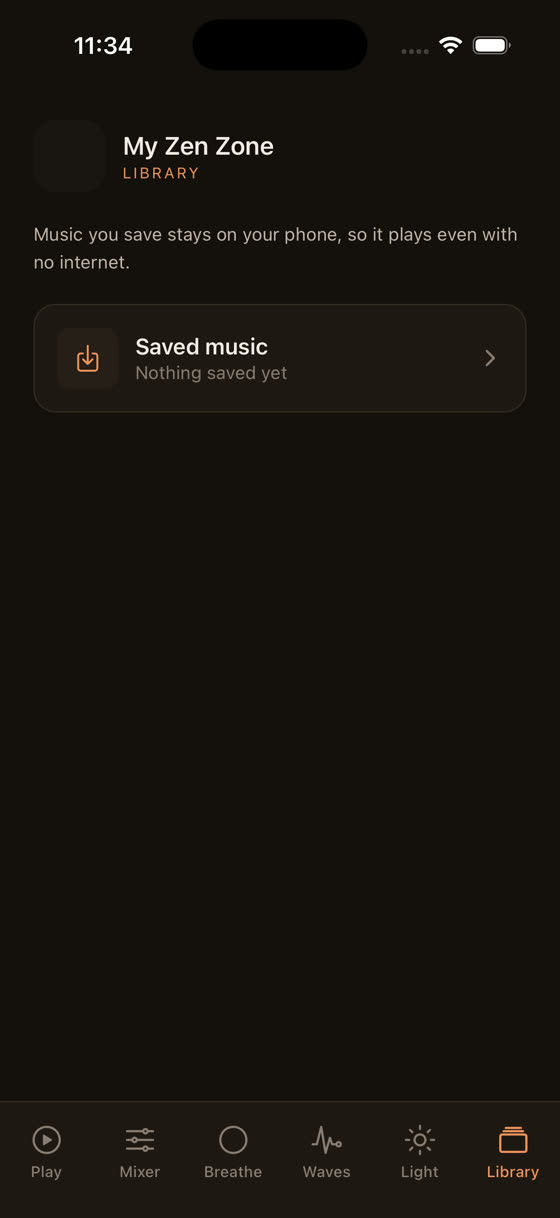
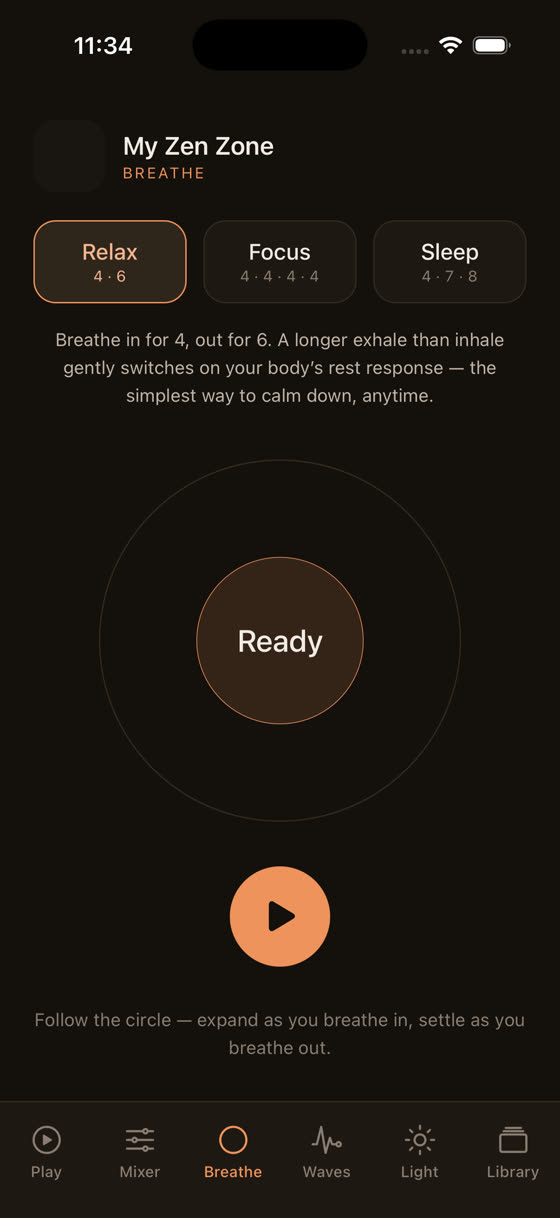
A short wind-down screen with a slow-shifting light and a breathing pattern alongside the music does more in five minutes than another twenty minutes of staring at the ceiling with rain playing in the background. A simple 4-6 pattern, in for four counts, out for six, run for even two or three minutes, slows the nervous system down in a way that's easy to feel even if you're sceptical of anything described as a "technique."
So what should you actually do tonight
Use Google Home for what it's good at: a speaker in the room, voice control to start and stop things without reaching for a phone, and a timer if you want a hard cutoff. Don't expect it to replace a proper sleep soundscape, because the built-in library was never designed to be one. Cast something with real depth to it instead, something you can shape rather than just switch on.
If you want the layering, the fading timer, and sessions that don't talk over themselves, that's a phone or browser job rather than a voice-command job. The whole library, including the mixer and guided sessions, is available from myzenzone.app, and you can get the app here if you want to try it on your own setup tonight, speaker included, rather than relying on Assistant's eight stock loops on repeat.
Common questions
Can I ask Google Home for white noise specifically?
Yes, say "Hey Google, play white noise" and it starts a fixed loop immediately. You can also try "brown noise" or "pink noise" if your region's Assistant supports them. There's no way to adjust the tone or mix it with anything else, it's one sound at one volume until you stop it or the timer runs out.
Does Google Home sleep sound stop automatically?
Only if you set a timer by saying something like "stop in 45 minutes." Without a timer it will loop indefinitely, which can run your speaker and, if it's battery powered, your charge all night for no benefit once you're already asleep.
Can I play Spotify sleep playlists on Google Home instead?
Yes, cast from the Spotify app or say "Hey Google, play [playlist name] on Spotify." This gives you actual composed music rather than Assistant's built-in loops, though you'll still be limited to Spotify's mix and whatever playlist curation they've put together, not a true per-sound mixer.
Is it bad to leave a speaker playing sound all night?
There's no strong evidence it's harmful, but a hard stop at the end of a timer can disturb light sleepers more than silence from the start. A gentler approach is a timer that fades volume down gradually over its last few minutes rather than cutting off at full volume.
Can I control a sleep app's mixer with my voice through Google Home?
Not currently. Mixer controls, individual sound levels, and layered guided sessions need a screen to adjust properly, so that part has to happen on your phone or in a browser. Google Home works well as the speaker once you've set the mix how you want it.